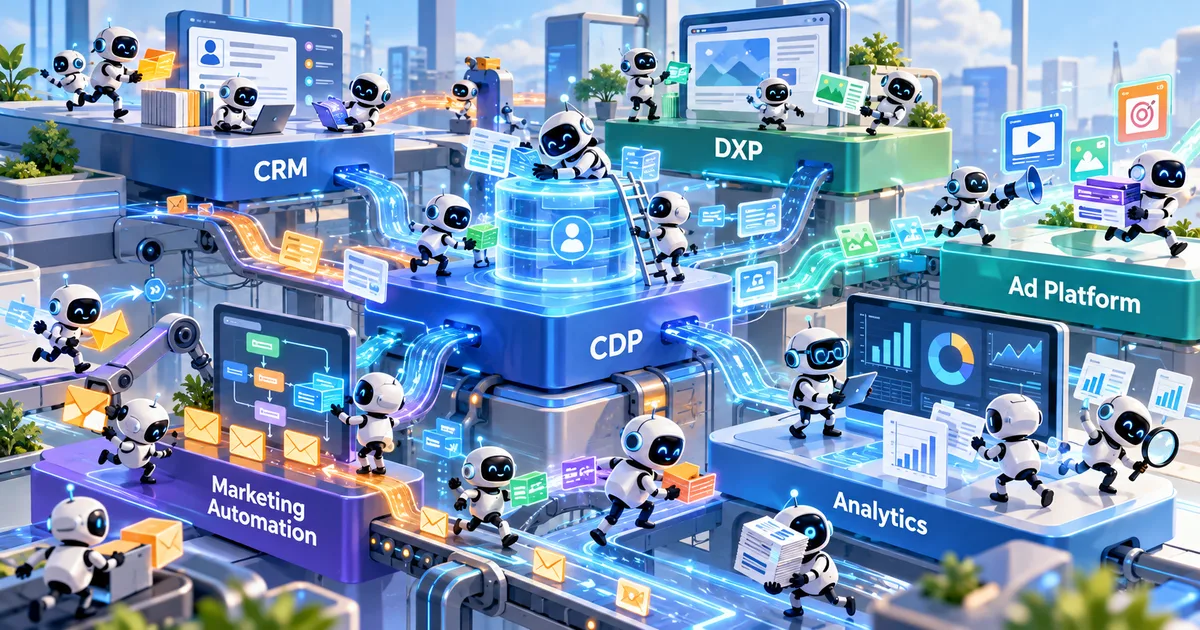
Agent sprawl in marketing is the pile-up of AI agents that vendors build into tools you already own and admins switch on, with no purchase for procurement to review. The first move is an inventory of every agent, what it decides, what data it sees, and how to turn it off.
Key Takeaways
- Our own definition assumes teams build agents. In marketing, vendors build them into tools you already bought, and an admin turns them on.
- Agents arrive as features on contracts you already signed, so no purchase starts vendor evaluation; 82% of companies found agents they didn't know about.
- Agents like HubSpot's customer agent answer customers directly, and you can't govern what you can't list.
- Reality check: approving every agent centrally doesn't fit, because the vendor decides what ships and when. Start with an inventory and an off switch.
Who deployed the agents in your marketing stack?
Agent sprawl is too many autonomous AI agents running across an organization, with no inventory of what’s running or who owns it. Our own definition assumes teams build and deploy the agents. In marketing, your vendors build the agents into tools you already own, and an admin switches them on. That goes a step past the vendor language about buying agents , because these agents show up in tools you bought for other work.
Salesforce sells agents under its Agentforce brand. Its fall 2026 product release (which Salesforce calls Winter ‘27) turns the Agentforce platform on by default for every org that already has Agentforce access through its licenses, with existing orgs enabled on a rolling basis starting in September, at no added cost (1. Salesforce, 2026). HubSpot now groups its agents in Agent Hub (2. HubSpot, 2026).
If your email platform added agent features in a release you didn’t ask for, or your ad platforms or customer data platform (CDP) did the same, those arrived the same way: through an update or an admin setting on a contract you already hold.
Why marketing’s agent sprawl leaves no trail
Most of the checks marketing runs on new capability start with a purchase. A new tool triggers vendor evaluation , a security review, a budget line, a procurement sign-off. Someone owns the decision and there’s a record of it.
The agent rarely passes through a buying decision. Salesforce’s default-on release (1. Salesforce, 2026) is the clearest case. An admin still activates each agent, but that’s a setting inside a tool you already own, so no purchase starts vendor evaluation or purchase approval. The spend will land on the same contract. HubSpot’s customer agent is available on Professional and Enterprise subscriptions and runs on HubSpot Credits (2. HubSpot, 2026), and usage past the monthly allowance is billed automatically as overage (4. HubSpot, 2026). Under its Flex Credits pricing, Salesforce charges each agent action against a shared pool that can grow “without renegotiating pricing” (3. Salesforce, 2026). The first sign is often the invoice: in a 2026 survey of 218 IT leaders by Zylo, a company that sells software-spend tracking, 78% reported unexpected charges tied to consumption-based or AI pricing (5. Zylo, 2026). Security teams find them after the fact too: 82% of organizations in a Cloud Security Alliance survey discovered AI agents in the past year that they didn’t know were running (6. Cloud Security Alliance, 2026).
I think that’s harder to catch than software teams buy without IT’s approval (shadow IT ). Shadow IT was at least someone on your side choosing a tool off the books. Shadow IT sits outside the tools IT approved. These agents run inside them, switched on by an admin, so the tool looks covered while the agent itself never went through a purchase review.
What decisions are these agents making about your customers?
These agents deal with your customers directly. If you don’t know which agents are running, you don’t know what they’re saying or doing to your customers. HubSpot’s credit rate sheet lists what its agents do on their own: resolve a customer conversation, personalize an email for a contact, recommend outreach for a lead (4. HubSpot, 2026). Each is a real, autonomous decision running on its own logic.
Someone switched each one on inside its own tool, and each vendor’s console shows only its own agents. You already had a version of this problem when your tools shared data but didn’t agree on the decision . Now the decisions are automated. Picture HubSpot’s nurture agent personalizing an email to a customer that a Salesforce service agent is mid-conversation with. Neither agent knows what the other is doing unless someone on your team connects them.
Governance starts with a list. You can’t set authority for an agent , or hold anyone accountable for its calls, if you can’t name it in the first place. All of this is nice, but if no one is named as the person to call when an agent gets something wrong, there’s no accountability, and everyone shrugs.
Build the inventory no single vendor can give you
The fix starts with work no single vendor can do for you: a running inventory of every agent live across your stack. For each one, capture 4 things, the same scrutiny you’d run on a vendor before buying , applied to agents you never bought:
- Which tool it lives in.
- What decision it’s allowed to make.
- What customer data it can see.
- Whether you can turn it off, throttle it, or put a human in the loop.
That last column matters most. Some agents can be scoped or disabled. In Salesforce you can deactivate an individual agent, but switching off the Agentforce platform itself means turning off the org’s Einstein generative AI setting, which the platform depends on (1. Salesforce, 2026). Knowing which is which, before an agent makes a call you have to answer for, is the difference between governing the sprawl and discovering it during an incident.
Make the inventory a standing artifact, not a one-time audit, and tie its review to the two things that create new agents: vendor releases and your own admins. Every major update to a tool in your stack is now a potential new agent. Read the release notes for what got switched on, the way you’d read a contract for what you’re agreeing to.
Why doesn’t the IT approval playbook work here?
The reflex will be to reach for the enterprise-AI answer: a central team that approves every agent. It doesn’t fit, for a simple reason. Centralized approval already backfires when you control the deployment , and here you control only part of it: your admin can switch agents on and off, but the vendor decides what ships and when. You can’t approve your way out of a capability that arrives switched on.
What you can do is see it, decide per agent whether its decisions are ones you’ll stand behind, and keep the off switch where you can reach it. Start the inventory with the 3 tools that touch customers most, and review it after every major vendor release and every time an admin adds an agent.
Frequently Asked Questions
What is agent sprawl in marketing?
Why is agent sprawl hard to control in a martech stack?
How do you inventory the AI agents in your stack?
References
- Salesforce. (2026). Agentforce platform enabled by default. Salesforce Winter ‘27 Release Notes. https://help.salesforce.com/s/articleView?id=release-notes.rn_agentforce_auto_enable.htm&language=en_US&type=5
- HubSpot. (2026). AI customer agent for customer support. HubSpot. https://www.hubspot.com/products/artificial-intelligence/ai-customer-service-agent
- Salesforce. (2026). Salesforce Agentforce pricing. Salesforce. https://www.salesforce.com/agentforce/pricing/
- HubSpot. (2026). HubSpot Credits. HubSpot Product and Services Catalog. https://legal.hubspot.com/hubspot-product-and-services-catalog#HubSpotCredits
- Zylo. (2026). Zylo’s 2026 SaaS Management Index finds AI-native app adoption is surging, with ChatGPT now the most expensed app. Zylo. https://zylo.com/news/2026-saas-management-index
- Cloud Security Alliance. (2026). Autonomous but not controlled: AI agent incidents now common in enterprises. Cloud Security Alliance. https://cloudsecurityalliance.org/artifacts/autonomous-but-not-controlled-ai-agent-incidents-now-common-in-enterprises